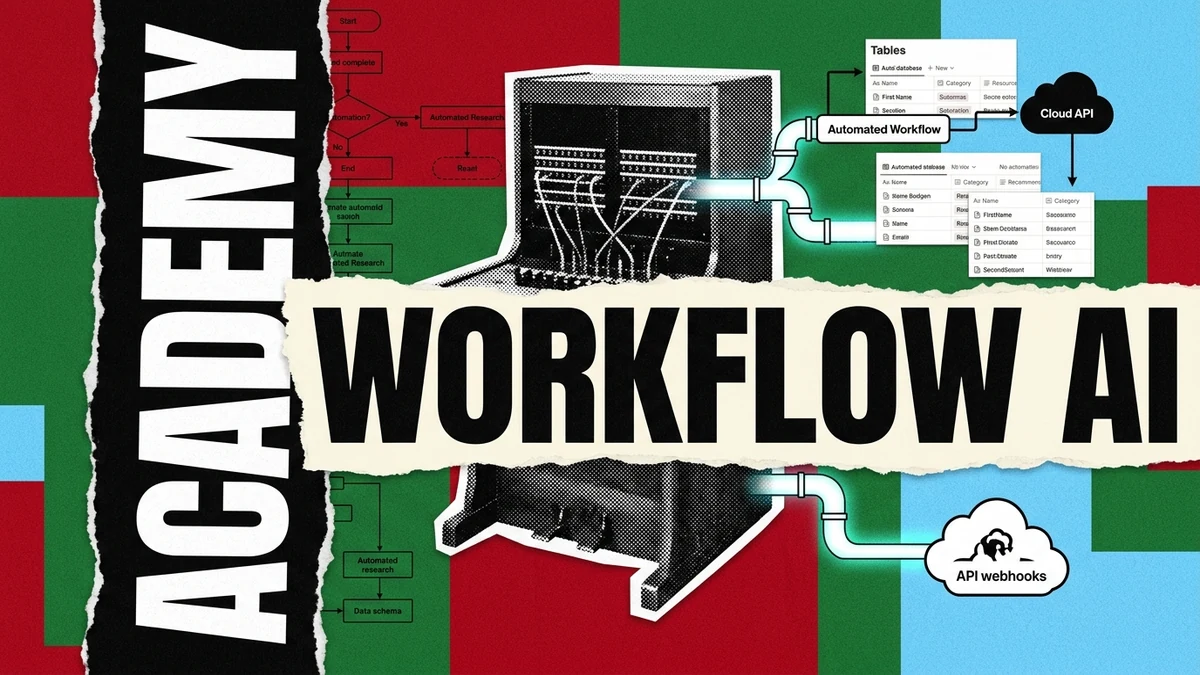
Course Navigation · Beginner Path (Lesson 3 of 5) If you are following our structured zero-to-launch series, this lesson connects the high-precision prompt templates developed in Lesson 2: Prompt Engineering and Context Architecture to external tools and live databases. If you joined us directly for this guide, you can follow along to automate data routing between AI models and spreadsheets with zero backend coding.
Writing effective prompts in a chat window is a valuable foundational skill. However, when you need to summarize 50 customer feedback submissions, monitor 20 research feeds, or update a live Notion database daily, manual interaction becomes an operational bottleneck.
Real productivity happens when you connect foundation models to data pipelines that trigger automatically.
In this practical lesson, you will learn how to connect AI to everyday tools like Notion, Google Sheets, and public web APIs using visual automation tools that cost zero dollars to operate.
The 3 Essential Free Automation Building Blocks#
To create an autonomous workflow without paying for enterprise middleware, you need three basic components:
| Layer | Recommended Free Tool | Operational Purpose | Monthly Free Quota |
|---|---|---|---|
| 1. Trigger & Data Source | Google Forms / Webhook / RSS Feed | Captures the raw incoming event or scheduled timer | Unlimited events |
| 2. Routing Engine | Make.com (Free Tier) or n8n (Local) | Passes the payload, maps fields, and handles logic branches | 1,000 ops / mo (Make) / Unlimited (n8n) |
| 3. Intelligence Engine | Groq Cloud / Google AI Studio API (Free) | Processes unstructured text with sub-second latency | Up to 14,400 free requests / day |
Step-by-Step Tutorial: Building an Automated Research Feeder in 15 Minutes#
Step 1: Setting Up Your Target Notion Knowledge Base#
Create a simple Notion database titled "Curated Intelligence Repository" with four properties:
- Title (Title field for article or record heading)
- Category (Select property: Academic, Market, Technical)
- Key Takeaways (Text property containing bullet points)
- Status (Status property: Unread, Verified)
Step 2: Configuring the Free Intelligence API#
Sign up for a free developer key at Google AI Studio or Groq Cloud. Both platforms provide high-speed inference on state-of-the-art open models (like Llama 3.3 70B and Gemini 2.5 Flash) with generous free tier quotas.
Step 3: Mapping the Transformation Flow#
Inside Make.com or n8n, configure the execution loop:
- Module 1 (Watch RSS / Feed): Check for new articles every morning at 08:00 UTC.
- Module 2 (AI Prompt Execution): Pass the article summary to the model using your Lesson 2 Prompt Template.
- Module 3 (Create Notion Page): Insert the structured bullet points directly into your Notion database.
AUTOMATION PROMPT TEMPLATE:
Input: {{trigger.article_body}}

Task:
Extract 3 empirical takeaways and assign one category tag (Academic, Market, Technical).
Return output formatted for direct database insertion.
Error Handling and Rate Limiting for Zero-Cost Reliability#
When orchestrating free-tier APIs, automated jobs can occasionally encounter rate limit spikes or network timeouts. Implement these three protective guardrails:
- Exponential Backoff: Configure your webhook router to retry failed requests after 30 seconds, 60 seconds, and 120 seconds.
- Batch Windowing: Ingest records in batches of 5 to 10 items instead of triggering 100 simultaneous requests.
- Fallback Default Values: If an API endpoint times out, assign a default tag (
Status: Pending Review) so the automation pipeline never terminates abruptly.
Transition to the Next Stage#
You now possess automated data pipelines that ingest, process, and store intelligence on autopilot. With your backend logic and data feeds running smoothly, the next step is providing users with a visual, interactive interface.
In Lesson 4: Building Your First App with AI in 60 Minutes, you will turn these workflows and data structures into a complete interactive web application using modern prompt-to-app tools.
Next Step in the Beginner Circuit#
- Previous Module: ← Lesson 2: Prompt Engineering for Beginners
- Next Module: Continue to Lesson 4: Building Your First App with AI in 60 Minutes →